
Short answer
To make an explainer video, write a one-page brief, choose the length, write and approve a script (about 150 words per minute of video), storyboard it, record the voice-over, animate with music and sound, then review, revise and deliver. The script and storyboard approvals matter most, because changes before animation are cheap and changes after it are slow.
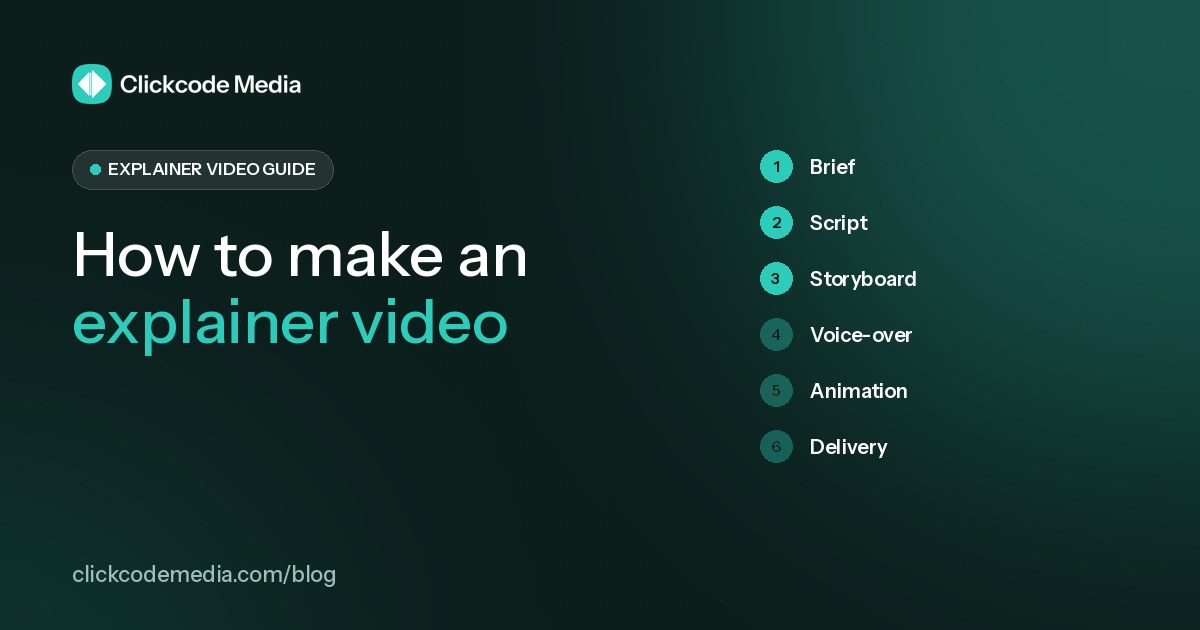
Making an explainer video comes down to seven steps: brief, script, storyboard, voice-over, animation, revisions and delivery. The steps are the same whether you do it yourself, hire a freelancer or work with a studio. What changes is who does each step and how much of the quality depends on your own time. Here is each step, what good looks like and where most projects go wrong.
Step 1: Write a one-page brief
A weak brief is the most common reason explainers disappoint. Before anyone writes a word of script, answer five questions:
- Who is the viewer? One specific audience, such as "heads of marketing at Series A SaaS companies".
- What problem do they feel? Use their words, not your internal jargon.
- What is the one message? The single sentence they should remember after watching.
- Where will it play? Homepage, ad, sales email or onboarding changes length and tone.
- What should they do next? One action: book a demo, start a trial or visit a page.
Add brand colors, fonts, logo files, product screenshots and two or three videos whose style you like. That is everything a studio needs to start.
Step 2: Choose the length
Length sets the word budget for everything that follows. Conversational English runs at about 150 words per minute (National Center for Voice and Speech), so plan for roughly 75 words in a 30-second video, 150 in 60 seconds and 225 in 90 seconds. In Wyzowl's 2026 survey, 71% of respondents said videos between 30 seconds and 2 minutes are the most effective (Wyzowl, 2026). If you are unsure, read 30 vs 60 vs 90-second explainer videos.
Step 3: Write the script
Use a five-part structure: problem, solution, how it works, benefits or proof, and a call to action. Write for the ear with short sentences, read it aloud and time it. If you have to rush to fit it in, cut words rather than speeding up. Our explainer video script guide has a fill-in template and a worked example.
Approve the script before any visuals are made. Changing a sentence at this stage costs minutes; changing it after animation costs days.
Step 4: Storyboard and style frames
A storyboard breaks the script into scenes and shows what the viewer sees on each line. Style frames are two or three finished-looking stills that lock the look: colors, characters, icons and type. Together they let you judge the video before a single frame is animated, which is why this is the second approval point in most professional workflows.
This is also where you pick the animation style. Common 2D options are character animation, motion graphics, whiteboard, infographic and animated UI walkthroughs. See examples of each on our explainer videos page.
Step 5: Record the voice-over
The voice sets the tone of the whole video, and it has to be locked before animation because scenes are timed to it. You have two routes:
| AI voice-over | Human voice artist | |
|---|---|---|
| Cost | Low, often included | Extra fee per recording |
| Changes | Fast: edit the script and regenerate | New recording session |
| Best for | Most product explainers and demos | Brand campaigns, specific accents or characters |
At Clickcode Media an AI voice-over is included in every price, and a human voice artist is available on request, quoted separately.
Step 6: Animate, add music and sound
Animation is usually the largest share of the work. The animator builds each scene from the storyboard, times it to the voice-over and adds transitions, then music and sound effects are mixed in. Simpler styles such as motion graphics and whiteboard are generally quicker to produce than detailed character animation.
Step 7: Review, revise and deliver
Collect feedback from everyone in one round, in one document, with timestamps. Scattered feedback from five people across a week is the fastest way to blow a schedule. Once approved, you should receive the final file in the formats you need, such as 16:9 for your website and YouTube, and square or vertical cut-downs for social if they are in scope.
DIY, freelancer or studio?
| Option | What you do | Good for | Watch out for |
|---|---|---|---|
| DIY tools or AI generators | Everything: script, visuals, voice, edits | Internal videos, quick social clips, tight budgets | Template look, your time, weak scripts |
| Freelancer | Brief, reviews and project management | One-off videos when you have time to manage | Availability, script and voice may be extra |
| Studio | Brief and approvals | Customer-facing videos with a set process | Price ranges vary a lot, check what is included |
How we make explainer videos at Clickcode Media
We follow the steps above with two approval gates: you sign off the script, then the storyboard, before animation begins. Every video includes the script, an AI voice-over, original 2D animation, music, 2 script revision rounds and 2 video revision rounds. Prices are fixed: $199 USD for 30 seconds, $349 USD for 60 seconds and $499 USD for 90 seconds. You can start with a free 10-second teaser for your product before you commit. See how it works and pricing.
How to make an explainer video: FAQs
How long does it take to make an explainer video?
It depends on length, style and how quickly feedback comes back. At Clickcode Media, a 30-second video takes 7 to 10 business days, a 60-second video 11 to 15 and a 90-second video 13 to 17, from approved brief to final files. Rush delivery is available for 30% extra.
Can I make an explainer video myself?
Yes. Template-based tools and AI generators make it possible to produce a simple video in-house, especially for internal use or quick social clips. The trade-off is usually originality and polish: the hard parts are the script and the visual story, not the software.
What do I need to prepare before making an explainer video?
A clear brief: who the viewer is, the problem they feel, the one message they should remember, where the video will play and the action you want them to take. Add your brand guidelines, product screenshots and any examples you like.
How many revisions should I expect?
Plan for revisions at two points: the script and the animated video. Clickcode Media includes 2 script revision rounds and 2 video revision rounds with every video. Extra rounds cost 15% of the video price, with a minimum of $39.
Should I use an AI voice or a human voice-over?
AI voices are now natural enough for most explainers and make changes fast and affordable, which is why an AI voice-over is included in every Clickcode Media price. A human voice artist can make sense for brand campaigns or specific accents, and we quote it separately on request.
Sources
- National Center for Voice and Speech, Voice Qualities:https://ncvs.org/tutorials/voice-qualities/
- Wyzowl, Video Marketing Statistics 2026:https://wyzowl.com/video-marketing-statistics/