
Short answer
Use a 5-part structure: problem, solution, how it works, benefits or proof, and a call to action. Write about 150 words per minute of video (roughly 75 words for 30 seconds, 150 for 60 and 225 for 90), speak to one audience with one core message, then read the script aloud and time it before animation starts.
Before you write: answer 5 questions
Most weak scripts come from a fuzzy brief, not weak writing. Answer these first:
- Who is the viewer? One specific audience, such as "operations managers at mid-size logistics firms", not "everyone".
- What problem do they feel? In their words, not yours.
- What is the one thing they should remember? If you can't say it in one sentence, the video will try to say too much.
- Where will the video play? Homepage, ad, sales email or onboarding changes the tone and length.
- What should they do next? Book a demo, start a trial, visit a page: pick one.
The 5-part explainer script structure
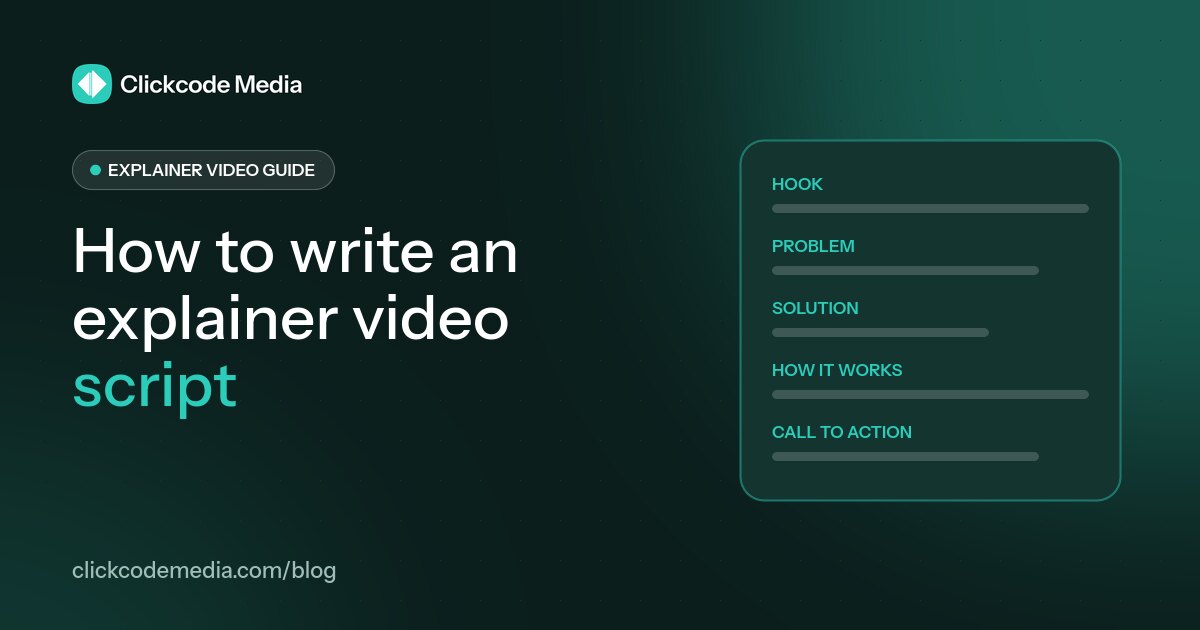
This structure works for most explainers because it follows the questions a new viewer asks, in order. Timings are for a 60-second video:
| Part | Time (60s) | Words | What it does |
|---|---|---|---|
| 1. Problem | 0–10s | ~25 | Hooks the viewer with a pain they recognize. |
| 2. Solution | 10–20s | ~25 | Introduces your product as the answer. |
| 3. How it works | 20–40s | ~50 | Shows 2–3 simple steps, not every feature. |
| 4. Benefits or proof | 40–52s | ~30 | Explains the outcome and why they can trust it. |
| 5. Call to action | 52–60s | ~20 | Tells the viewer exactly what to do next. |
How to write an explainer video script, step by step
Set your word budget. The average conversational speaking rate for English speakers in the US is about 150 words per minute (National Center for Voice and Speech), so aim for about 75 words for 30 seconds, 150 for 60 seconds and 225 for 90 seconds. Leave room for pauses.
Write the one-sentence message first. Every line of the script should support it.
Open with the problem, not your company. Viewers stay when they recognize themselves in the first few seconds.
Show 2–3 steps, not 10 features. Save detail for a product demo video.
Turn features into benefits. "Automatic reminders" becomes "you never have to chase a payment again".
Write for the ear. Short sentences, everyday words, and no jargon the viewer wouldn't use.
Add visual notes. Next to each line, jot what the viewer sees. If the visual already says it, cut the words.
Read it aloud and time it. If you rush to fit it in, it's too long: cut, don't speed up.
Explainer video script template (copy and fill in)
Replace the brackets with your own details. This version is sized for a 60-second video (about 150 words):
HOOK / PROBLEM (0–10s): [Audience] struggle with [problem]. It costs them [time / money / stress].
SOLUTION (10–20s): Meet [product], the [category] that [main promise].
HOW IT WORKS (20–40s): Just [step 1], [step 2] and [step 3]. [Product] takes care of [the hard part].
BENEFITS / PROOF (40–52s): So you can [benefit 1] and [benefit 2]. [Simple proof: an award, a customer type, a clear result you can verify].
CALL TO ACTION (52–60s): [Action verb] at [website / button]. [Product]: [short tagline].
Example: a 60-second explainer script
Here's the template filled in for a fictional invoicing app, so you can see how it reads. It's about 100 words, leaving room for pauses and visuals:
Problem: Freelancers lose hours every month chasing invoices. Late payments mean late rent, and awkward follow-up emails nobody enjoys writing.
Solution: Meet [App], the invoicing app that gets freelancers paid on time.
How it works: Create a branded invoice in under a minute. Send it with a secure payment link. [App] tracks who has opened it and sends polite reminders for you, so you never have to chase.
Benefits: Get paid faster, see every payment in one dashboard, and spend your time on the work you love, not on admin.
Call to action: Start your free trial at [website]. [App]: get paid, get back to work.
Script length by video length
| Video length | Approximate words | Good for |
|---|---|---|
| 30 seconds | ~75 | Ads, social, teasers |
| 60 seconds | ~150 | Homepages, landing pages |
| 90 seconds | ~225 | Walkthroughs, complex B2B |
Not sure which length to write for? Read 30 vs 60 vs 90-second explainer videos.
Common explainer script mistakes
- Starting with your company history. Start with the viewer's problem.
- Listing every feature. Pick the two or three that matter most.
- Too many words. Over-stuffed scripts force a rushed voiceover.
- Vague benefits. "Streamline your workflow" says less than "send an invoice in under a minute".
- Unverifiable claims. Only use numbers and results you can back up.
- No clear next step. End with one specific call to action.
Final script checklist
- The first line names a problem your audience recognizes.
- The script fits the word budget for its length when read aloud at a natural pace.
- Every sentence supports your one-sentence message.
- Features are written as benefits.
- Any claims or numbers can be verified.
- It ends with one clear call to action.
Want a second pair of eyes? Scriptwriting is included in every Clickcode Media video, and you approve the script before animation begins. See how our process works.
Explainer video script FAQs
How long should an explainer video script be?
About 150 words per minute of video, based on the average conversational speaking rate of roughly 150 words per minute (National Center for Voice and Speech). That's around 75 words for 30 seconds, 150 for 60 seconds and 225 for 90 seconds.
What is the best structure for an explainer video script?
Problem, solution, how it works, benefits or proof, and a call to action. This order mirrors the questions a new viewer asks: is this for me, what is it, how does it work, why should I trust it, and what do I do next?
Should I put pricing in my explainer video?
Usually not. Prices change, and a video is expensive to update. Point viewers to your pricing page or a free trial in the call to action instead.
Who should write the explainer script: us or the studio?
Either can work. You know the product best; a studio knows how to compress it into a short story. A good middle ground is to share a detailed brief and let the studio draft the script for your approval. At Clickcode Media scriptwriting is included, and you approve the script before animation starts.
How many script revisions should I expect?
Plan for at least one or two rounds. At Clickcode Media, every video includes 2 script revision rounds and 2 video revision rounds, and the script and storyboard are approved before animation, so changes happen when they're cheapest.
Sources
National Center for Voice and Speech, Voice Qualities: https://ncvs.org/tutorials/voice-qualities/